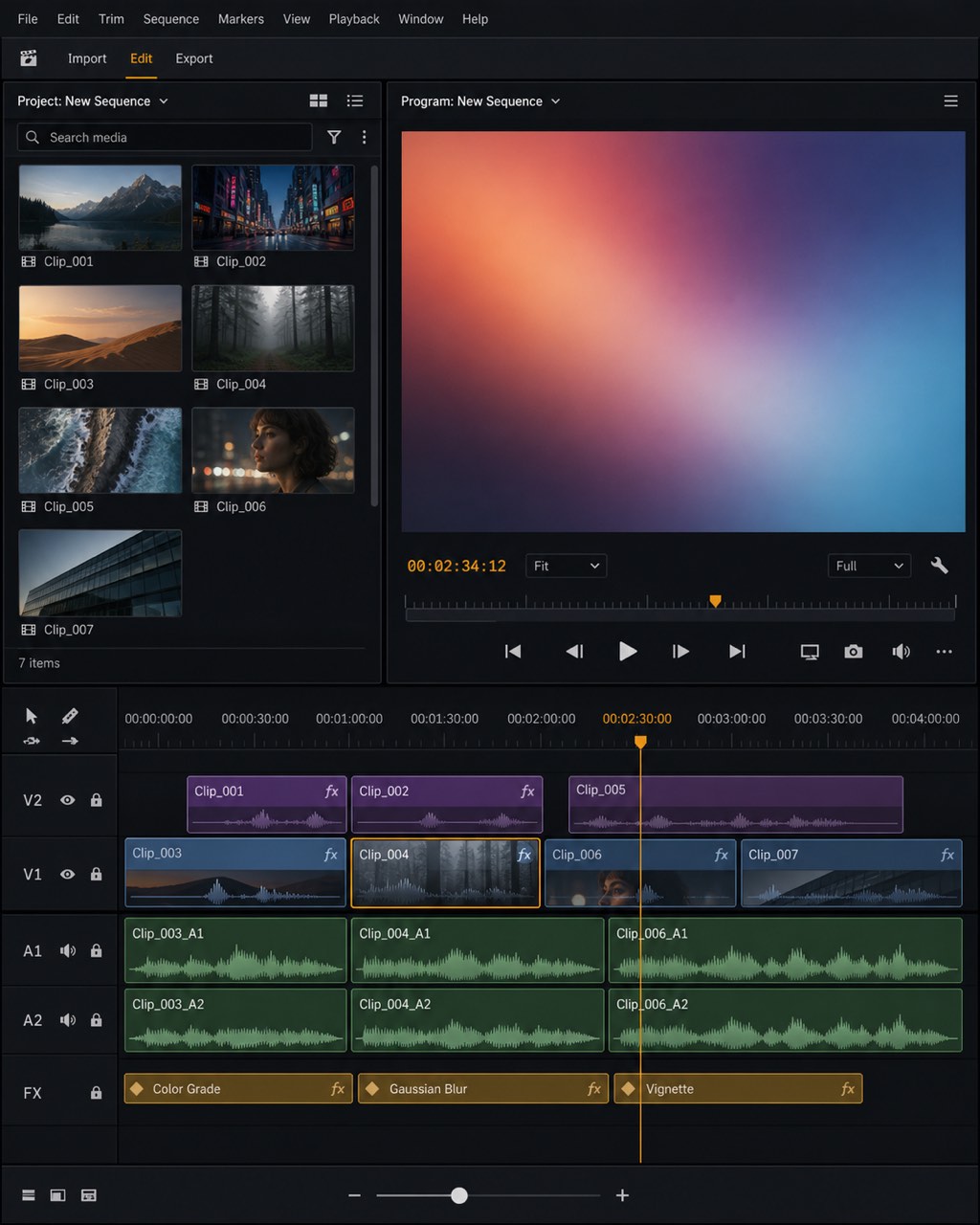
AI video editing turns laborious timeline work into an instruction-driven process: the editor increasingly works with meaning, not merely clips.
AI video editing is the use of machine-learning systems to analyze, modify, assemble, or generate video. In practice, it can transcribe speech, remove filler words and silences, identify highlights, create captions, reframe footage for vertical screens, generate or alter shots, and apply audio or visual enhancements.
[1]
[2]
[3]
The concept applies to podcasts, interviews, tutorials, marketing videos, livestreams, social-media clips, and professional productions.
[2]
[3]
Its significance lies in shortening the path from raw recording to publishable content while retaining human control over editorial judgment.
flowchart LR
A["Raw footage"] --> B["AI analysis"]
B --> C["Transcript and scene map"]
C --> D["Automated edit"]
D --> E["Human review"]
E --> F["Captions, reframing, and effects"]
F --> G["Final export"]
Expanded Chart
flowchart LR
A["Raw footage"] --> B["AI analysis"]
B --> C["Transcript and scene map"]
C --> D["Automated edit"]
D --> E["Human review"]
E --> F["Captions, reframing, and effects"]
F --> G["Final export"]
Uses in Context
Transcript-led editing: The phrase describes editing video “by editing the text,” so deleting or rearranging transcript text changes the corresponding video.
[1]
[3]
Content repurposing: AI video editing turns a long podcast, webinar, interview, or livestream into shorter, captioned, vertically framed clips.
[2]
[4]
Generative production: The term includes systems that create new footage from text or images, as well as tools that alter existing shots through prompts.
[2]
[3]
Accessibility and localization: Automated transcription and caption generation make spoken video easier to search, understand, and distribute across audiences.
[2]
[3]
Creator automation: Chat-based editors can plan edits, remove pauses, add captions, insert b-roll, and apply music or sound effects from natural-language instructions.
[5]
History of Use
Origins
The available search results do not establish a reliable first academic, book, or industry appearance of the exact term “AI video editing.” They do, however, document several distinct technical lineages: transcript-based editing, automated short-form repurposing, and generative video manipulation.
[1]
[2]
[3]
The evidence therefore supports treating AI video editing as an umbrella label that consolidated previously separate capabilities rather than attributing its origin to a single incumbent technology company.
Evolution
Transcript-centered editing: Tools such as Descript popularized a document-like model in which a recording is transcribed and cuts, deletions, and rearrangements occur through text editing.
[1]
[3]
Automated repurposing: Platforms such as OpusClip expanded the concept from editing one finished video to discovering high-value moments in long recordings, then captioning and reframing them for social distribution.
[2]
[4]
Generative and conversational workflows: Newer systems combine footage generation, prompt-based shot modification, and chat-directed editing, moving the interface from a conventional timeline toward natural-language collaboration.
[2]
[3]
[5]
Descript and the transcript as timeline. Descript’s central intervention is interface-level rather than merely computational: it maps a recording into editable text, allowing creators to remove a sentence, reorder spoken material, or cut filler words through the transcript.
[1]
[3]
This is especially suited to interviews, tutorials, podcasts, and talking-head videos in which spoken structure matters more than elaborate visual compositing.
[1]
[2]
The case shows how AI video editing can reduce the cognitive burden of navigating a timeline by making the semantic content directly editable.
OpusClip and the economics of repurposing. OpusClip addresses a different bottleneck: creators often possess long recordings but need multiple short-form outputs. Its workflow analyzes podcasts, webinars, streams, or interviews, identifies moments likely to work as standalone clips, adds captions, and reframes the material for vertical screens.
[2]
[4]
The result is not simply a faster cut; it is a transformation of one source production into a distribution package for several social formats.
[2]
[4]
This illustrates AI video editing as an editorial-selection system, where the model helps decide what deserves attention before the human approves the result.
Runway and generative shot construction. Runway represents the generative branch of AI video editing. Its documented uses include creating footage from text or images and modifying existing shots by removing or adding objects, changing visual properties, or extending a sequence.
[2]
[3]
This shifts editing beyond rearranging recorded material toward constructing visual elements that were never filmed.
[2]
[3]
The case demonstrates why “AI video editing” now covers both post-production automation and prompt-based image-making, while also making human review essential for continuity, accuracy, and creative intent.